Bloom for restaurants
Run the whole restaurant from one screen
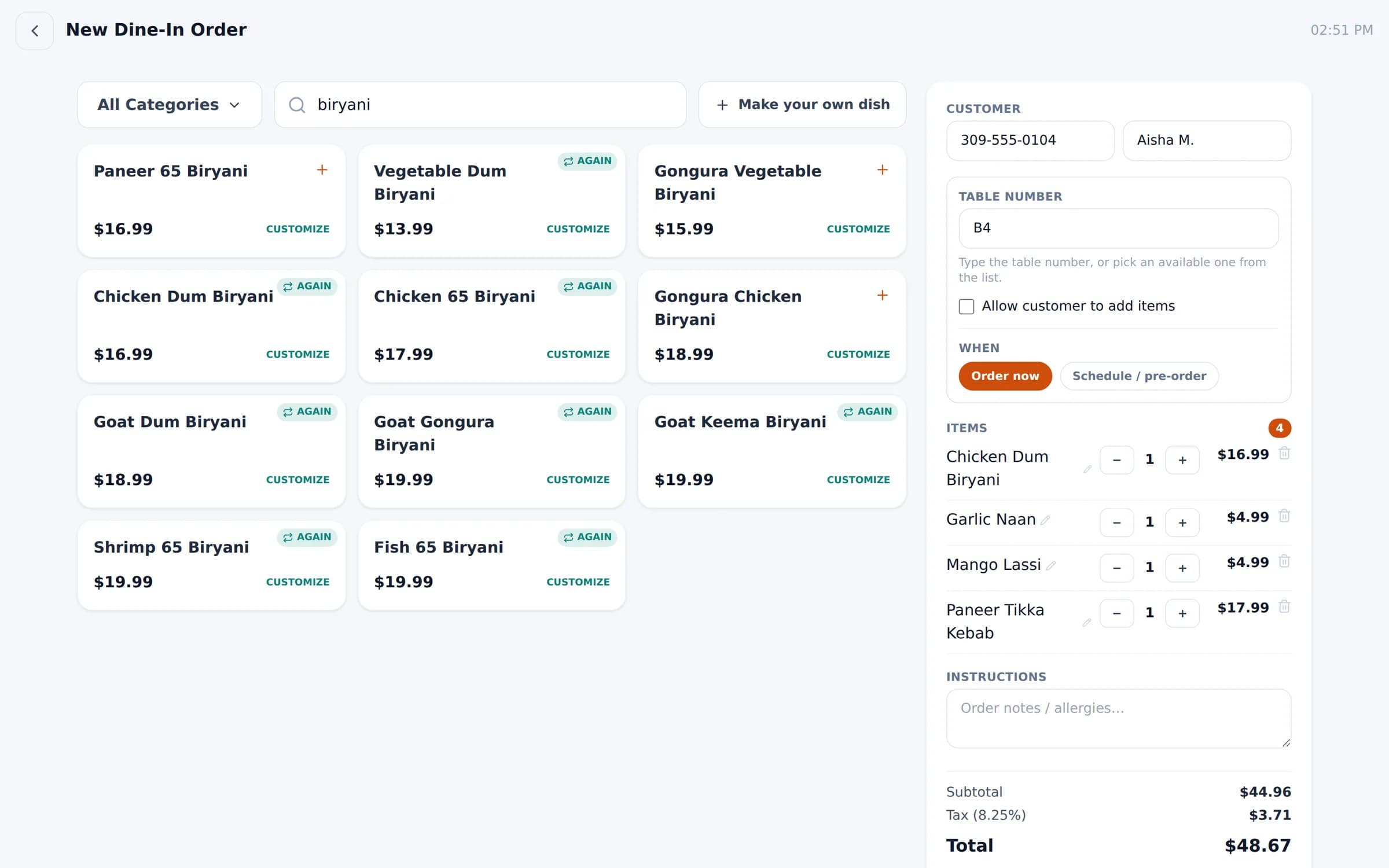
Dine-in, takeout, delivery and catering — with a kitchen board, table map and reports built for the rush.
Restaurants on Bloom
- Bloom BawarchiBloomington · Decatur · Peoria, IL
- Flame N BaristaPeoria, IL
- Bloom BaristaBloomington, IL
The rush, handled
Fix the three things that slow service down
Too many tablets
DoorDash, Uber Eats and Grubhub orders arrive in the same queue as your own — and reach the kitchen the same way.
Tickets lost in the kitchen
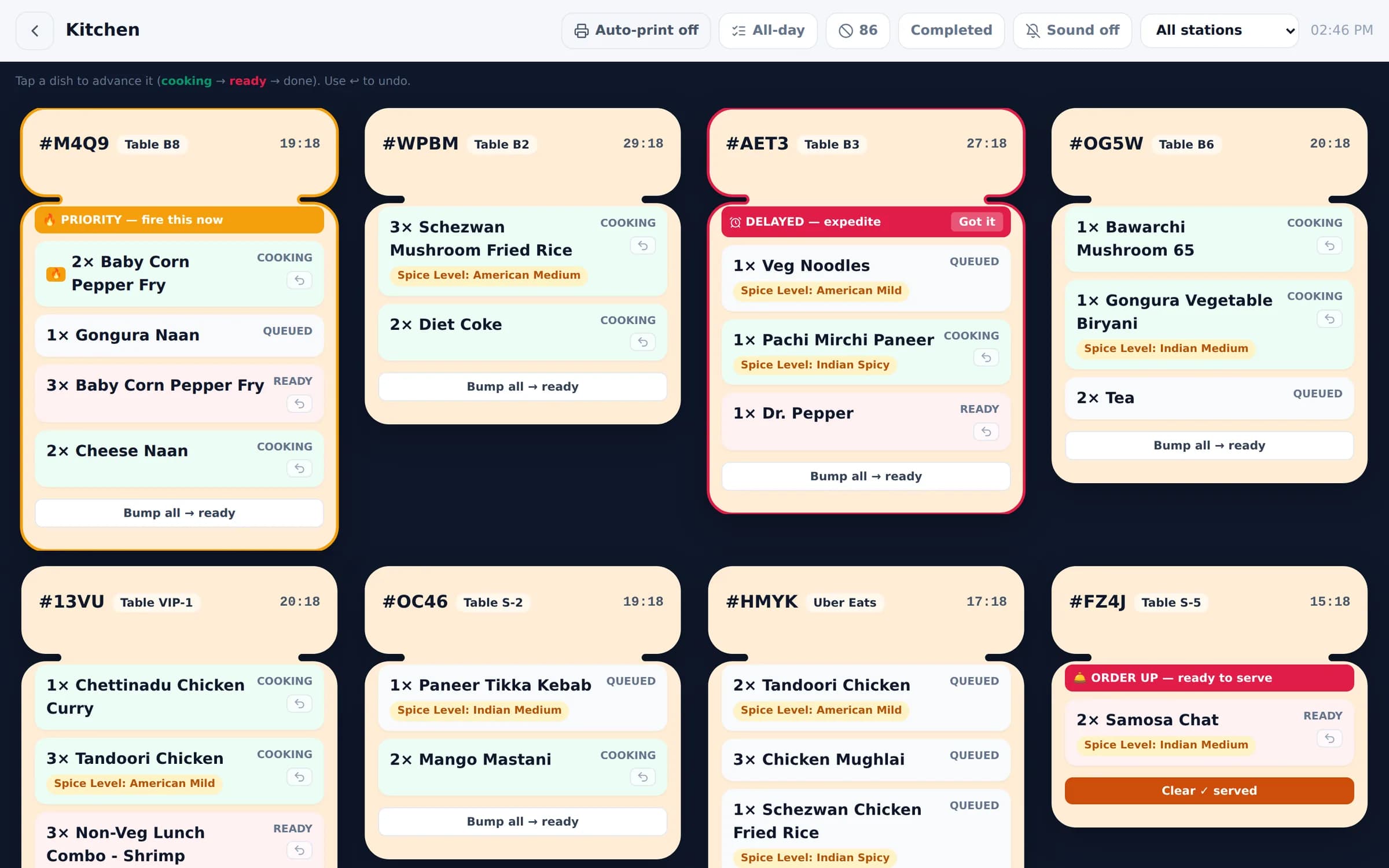
Station boards, sound alerts, auto-print and an 86 list keep every dish moving and visible.
Guesswork on the numbers
See sales by order type, platform, payment and category — for one branch or all of them.
Kitchen & floor
From ticket to table, in sync
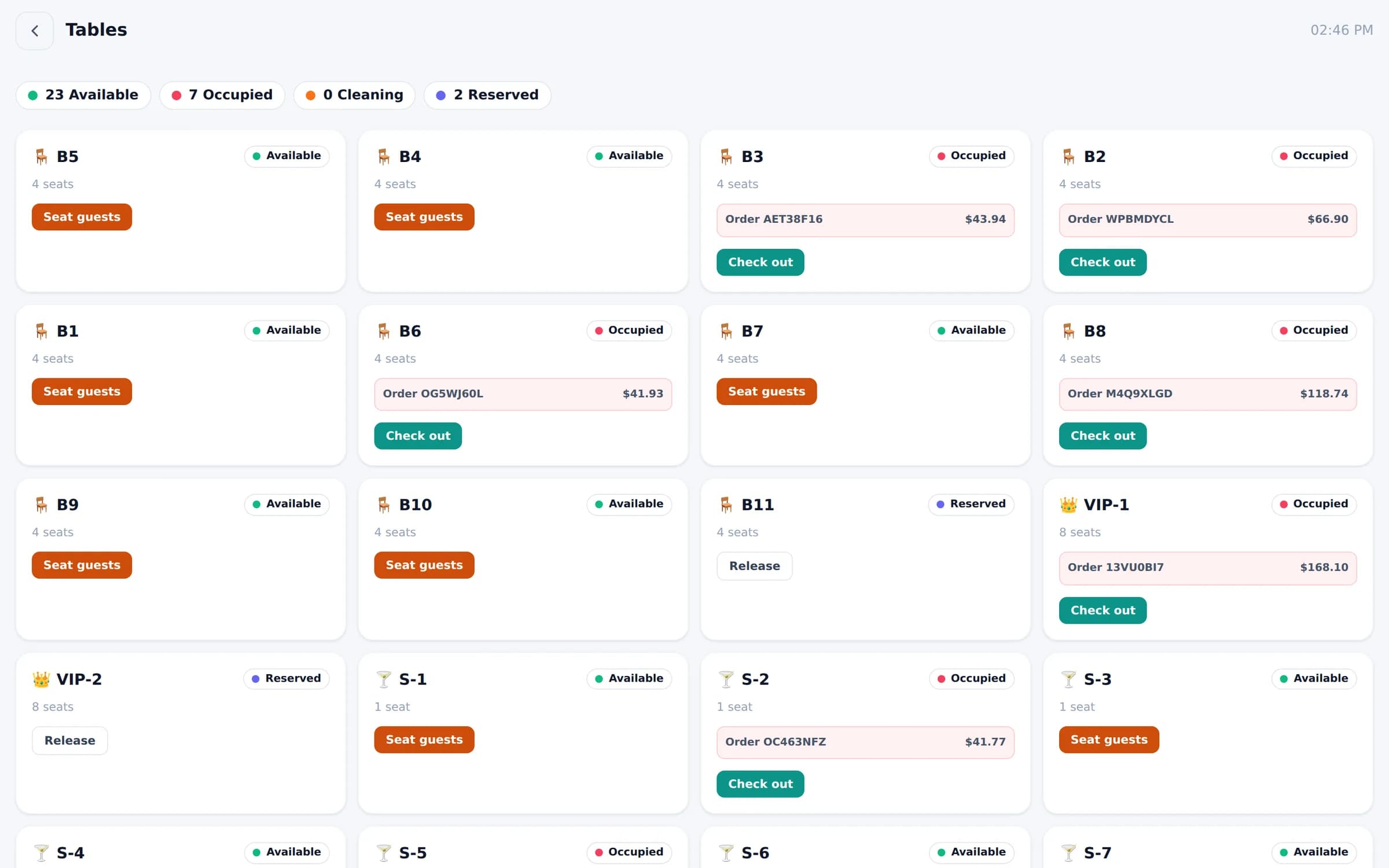
Tap a dish to advance it. See which chef has what. Know which tables are open, seated, being cleaned or reserved.
Restaurant toolkit
Everything a restaurant needs
Dine-in & tables
Seat guests, track status, schedule or pre-order.
Takeout & catering
Ready times, instructions and catering orders.
Delivery
Delivery apps, your own drivers and a route planner.
Kitchen & chefs
Stations, 86 list, all-day counts, chef dashboard.
Menu control
Spice levels, dietary tags, chef assignment per dish.
Inventory
Storage units, suppliers and low-stock alerts.
Customer data
Know your regulars and returning guests.
Branches
Open a new location with a copy of your menu.
Guest ordering
Run the floor from a phone
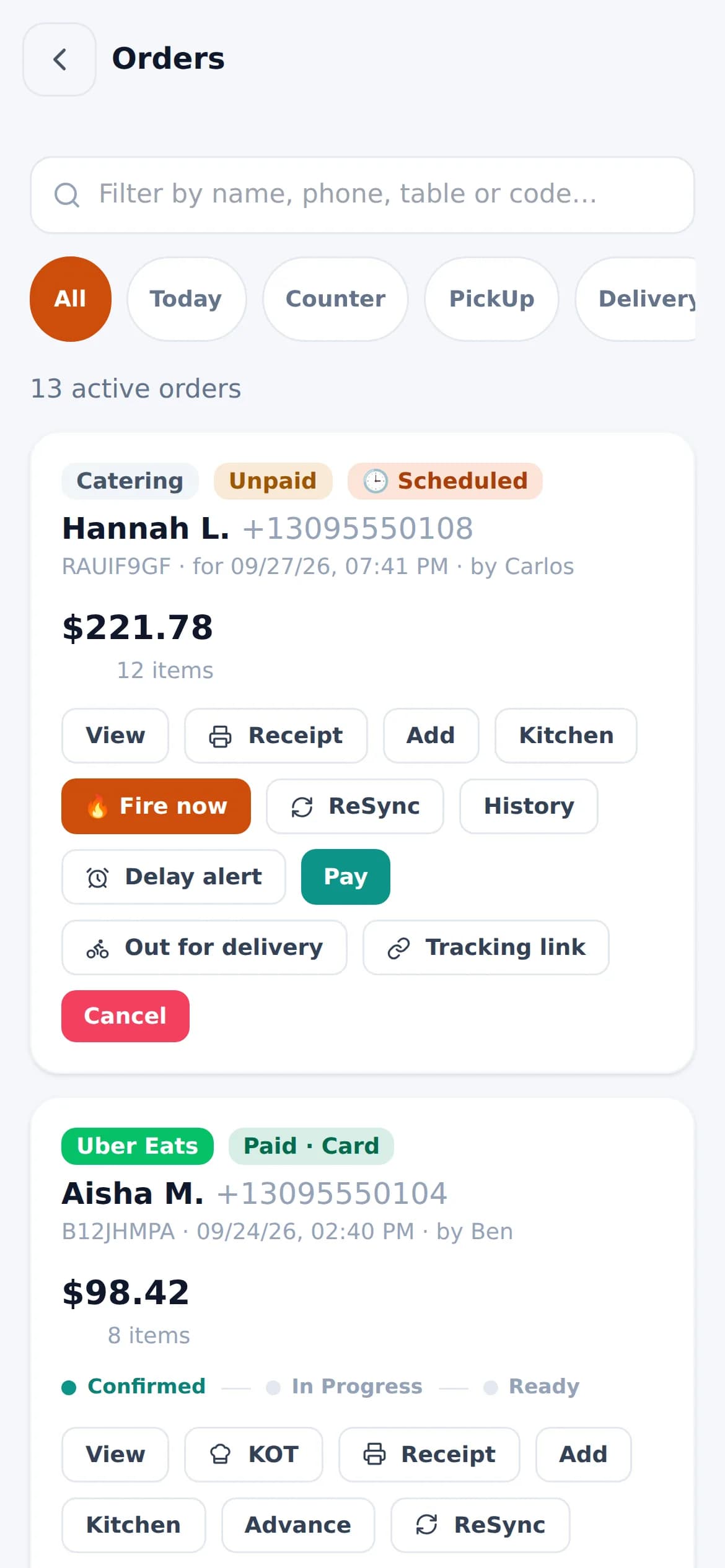
Staff see every order on their own phone — and dine-in guests can add dishes to their table’s order from a texted link.
Restaurant owners
What restaurants say
PLACEHOLDER — Replace with a real quote from an owner or manager. Example: “We run three restaurants from one login, and each one still feels like its own place.”
OOwner nameOwner, Bloom Bawarchi PLACEHOLDER — Replace with a real quote from kitchen staff. Example: “Tickets hit the right station instantly. No more shouting across the line.”
SStaff nameHead chef, Bloom Bawarchi PLACEHOLDER — Replace with a real quote from a café manager. Example: “Delivery orders used to live on three tablets. Now they're in one queue.”
MManager nameManager, Flame N Barista
Can I keep different prices on delivery apps?
Yes. Bloom keeps separate menus for your restaurant, DoorDash, Uber Eats and Grubhub, so each channel can carry its own items and prices.
Does the kitchen board support a bar?
Yes. Tickets route by station — for example Kitchen and Bartender — and chefs or bartenders tap to move each dish from cooking to ready to done.
Can guests order from their phones?
For dine-in, you can allow guests to add items from their own phone using a link sent by text.
How do I get my menu in?
Download the spreadsheet template, fill in name, price and category (plus optional spice levels and dietary tags), and upload. Hundreds of items import in one go.
See Bloom set up for your restaurant
A 30-minute walkthrough with your menu, your floor and your workflow. No obligation.
We reply within one business day.
- 01Pick a time that suits you
- 02Tell us how you run service
- 03See Bloom set up your way